


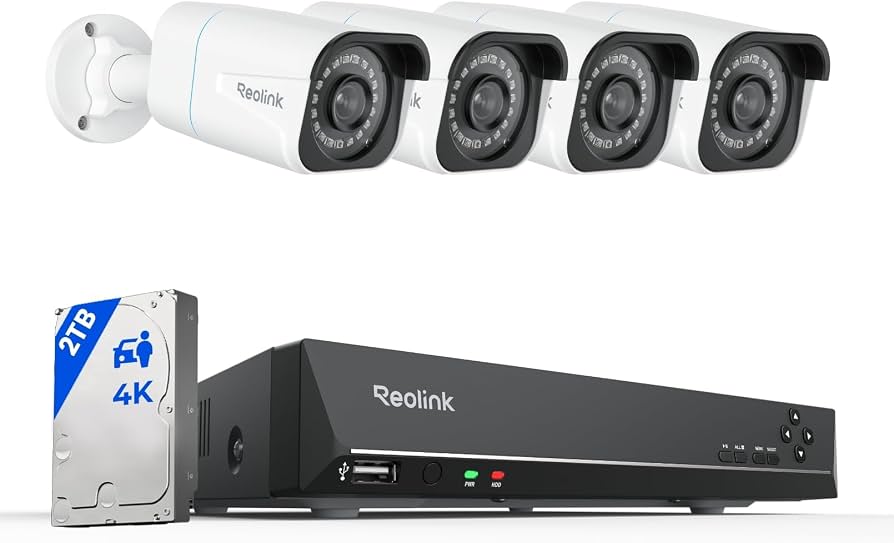
Home Security Starts With the Right Setup
Home security cameras have become much more accessible.
Modern systems can monitor entrances, gardens, garages and other areas while allowing homeowners to view footage from a smartphone.
But choosing a camera isn’t simply about finding the model with the highest resolution.
You also need to consider where the camera will be installed, how it will connect to your network, where recordings will be stored and which features actually matter for your property.
Understanding these basics makes choosing a home security system considerably easier.
Start by Identifying the Areas You Want to Monitor
Before comparing cameras, walk around your property and decide which locations matter most.
Common areas include:
- Front door
- Driveway
- Garage
- Garden
- Side entrance
- Patio
- Hallway
- Living areas
Think about what you want each camera to see.
A camera monitoring a narrow entrance may need different features from one covering a large garden.
Indoor and Outdoor Cameras Have Different Requirements
Don’t automatically assume every security camera can be installed anywhere.
Outdoor cameras need to be suitable for exposure to changing weather conditions.
When comparing outdoor models, check their specified weather resistance rating and installation requirements.
Indoor cameras usually don’t require the same level of weather protection and may prioritise features such as compact design, pan and tilt functionality or two way communication.
Understand the Main Camera Types
One of the biggest decisions is how your cameras will receive power and transmit data.
There are three common approaches.
Battery Cameras
Battery powered cameras provide considerable installation flexibility.
Because they don’t require a permanent power cable, they can work well in locations where running wiring would be difficult.
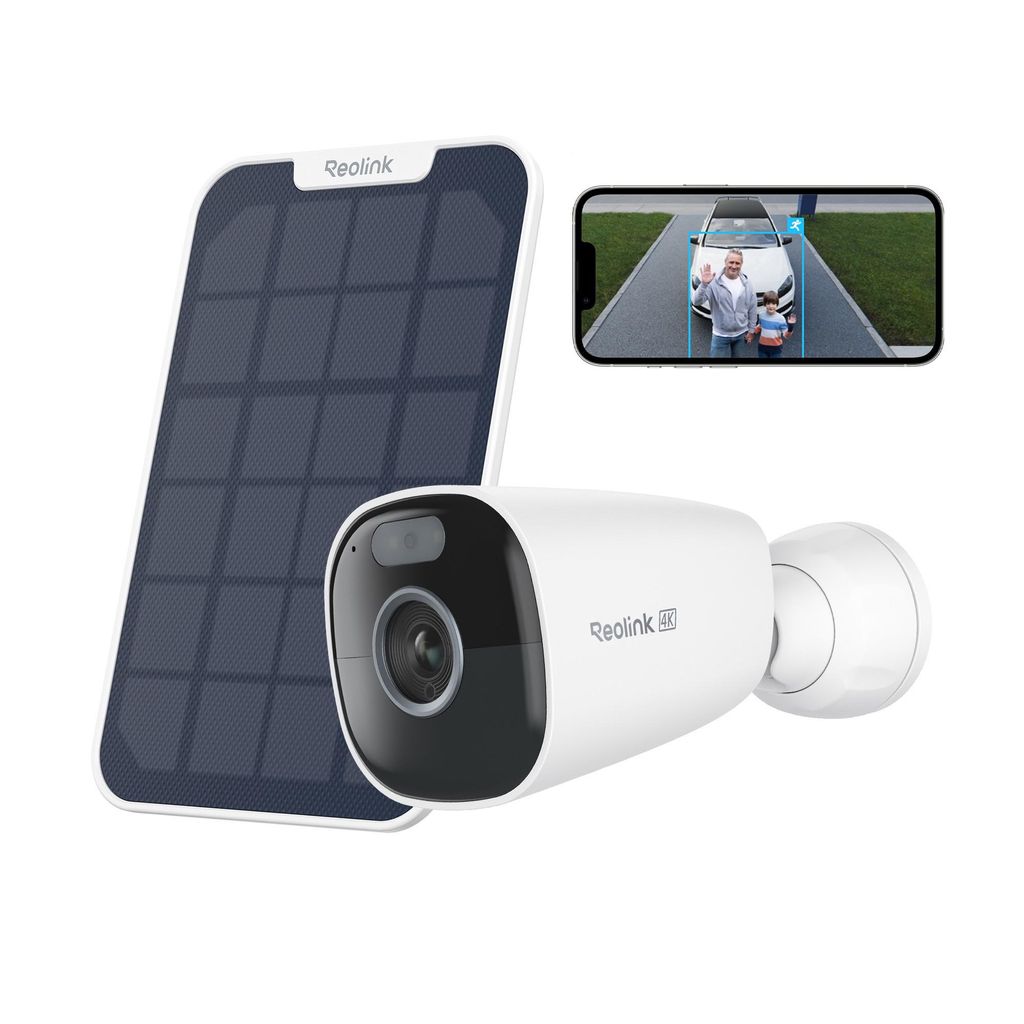
Depending on the model, compatible solar panels may also help maintain battery charge.
Battery life varies according to settings, activity, temperature and usage, so manufacturer estimates should always be considered alongside real world conditions.
Wi-Fi Cameras
Wi-Fi cameras communicate through your wireless network.
This can simplify installation because you don’t need to run an Ethernet connection from every camera to your router or recorder.
However, performance depends partly on Wi-Fi coverage.
Before installing a camera far from the house, check whether your network provides a reliable signal at that location.
PoE Cameras
PoE stands for Power over Ethernet.
A compatible Ethernet connection can carry both power and data to the camera.
PoE systems are particularly useful for permanent multi camera installations where stable wired connectivity is a priority.
They require more initial cabling than battery or Wi-Fi alternatives, but can provide a clean long term solution.
Decide Between Wireless Convenience and Wired Stability
There’s no universally superior option.
Battery and Wi-Fi cameras can be excellent when flexibility and straightforward installation are priorities.
PoE can make more sense when you’re installing several permanent cameras and want wired connectivity.
Ask yourself:
- Can I easily run cables?
- How reliable is my Wi-Fi outside?
- Will I move the cameras later?
- Do I want continuous recording?
- How many cameras will I eventually install?
Your answers will quickly narrow the options.
Think About Video Resolution
Resolution affects the amount of detail visible in footage.
Security cameras are available across several resolution levels, including high resolution 4K options.
Higher resolution can help when reviewing details within a scene.
However, resolution isn’t the only factor affecting image quality.
Lens design, lighting, viewing angle, compression and night performance also matter.
Higher resolution footage can also require more storage capacity.
Consider the Field of View
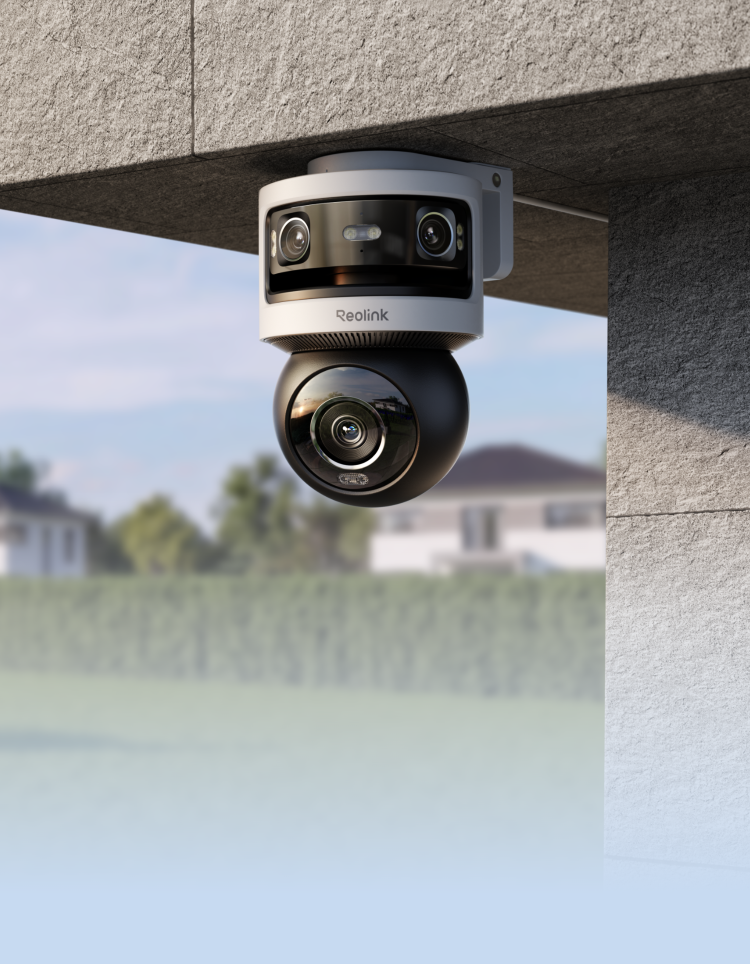
A wide field of view can help a single camera monitor a larger area.
This may be useful for:
- Driveways
- Large gardens
- Wide entrances
- Parking areas
Some modern security cameras use dual lenses to provide particularly wide panoramic views.
Other cameras offer pan and tilt functionality, allowing the viewing direction to change.
Choose based on the shape of the area rather than simply selecting the widest specification available.
Night Vision Matters
Security doesn’t stop when daylight disappears.
When comparing cameras, look at their night vision capabilities.
Different systems may offer:
- Infrared night vision
- Spotlight assisted colour night vision
- Low light colour imaging
Think about the lighting already available around your property.
A well-lit entrance may have different requirements from a dark garden or driveway.
Look for Useful Smart Detection
Traditional motion detection can create unnecessary alerts whenever something moves.
Modern cameras may be able to distinguish between different types of events.
Depending on the camera, smart detection may recognise categories such as people, vehicles or animals.
This can make notifications more useful.
Instead of checking your phone every time leaves move in the wind, you can focus on events that actually matter.
Think About Camera Position Before Installation
Camera placement affects how useful the footage will be.
Try to position cameras so they clearly cover the intended area without unnecessarily monitoring neighbouring private spaces or public areas.
Consider:
- Viewing angle
- Height
- Lighting
- Wi-Fi signal
- Potential obstructions
- Power access
- Weather exposure
Also make sure your installation complies with applicable privacy and surveillance laws in your location.
Don’t Ignore Privacy
Home surveillance should be implemented thoughtfully.
Avoid positioning cameras where they unnecessarily capture neighbours’ private property.
Secure your camera accounts with strong, unique passwords and use available security features.
Keep firmware and apps updated as recommended by the manufacturer.
If you’re recording areas outside your own private property, check the applicable local privacy requirements.
Decide Where You Want Recordings Stored
Storage is one of the most important differences between security systems.
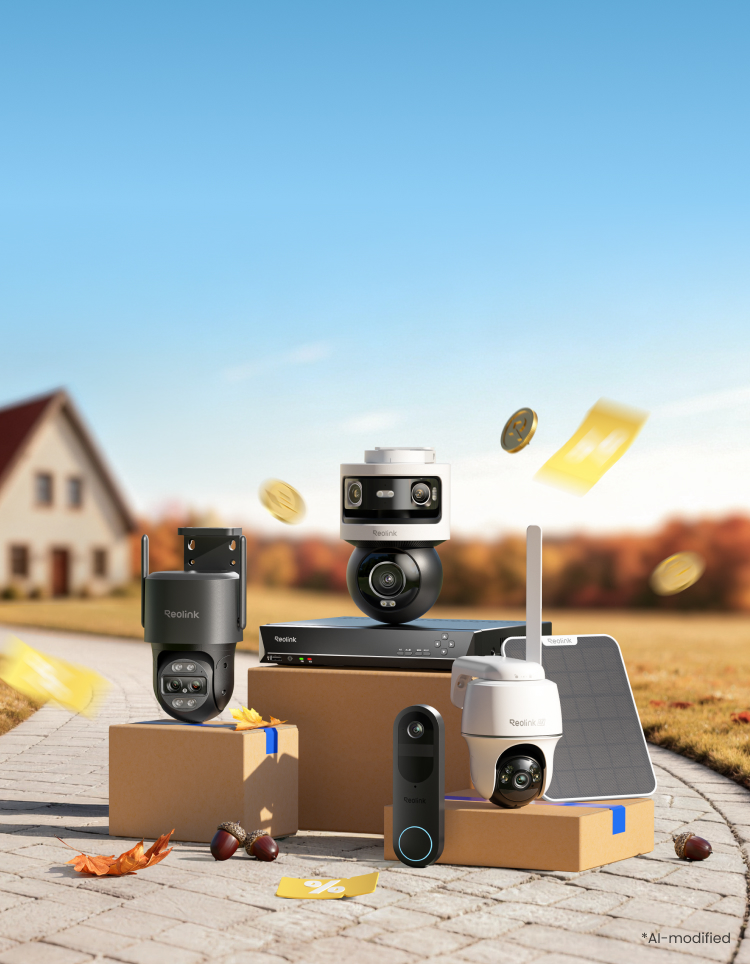
Depending on the equipment, recordings may be stored using:
- microSD cards
- NVRs
- Local security hubs
- Hard drives
- Compatible cloud services
Local storage can be particularly attractive to people who prefer keeping recordings within their own security system.
Consider how much footage you need to retain and whether you want event only or continuous recording.
Understand NVR Systems
NVR stands for Network Video Recorder.
An NVR provides a central location for managing and recording footage from compatible IP cameras.
This becomes particularly useful when you have several cameras.
Instead of managing every camera separately, an NVR system can bring live views, recordings and playback together.
Storage capacity becomes important if you’re recording several high resolution cameras continuously.
Consider a Home Security Hub
Another option is a dedicated home security hub.
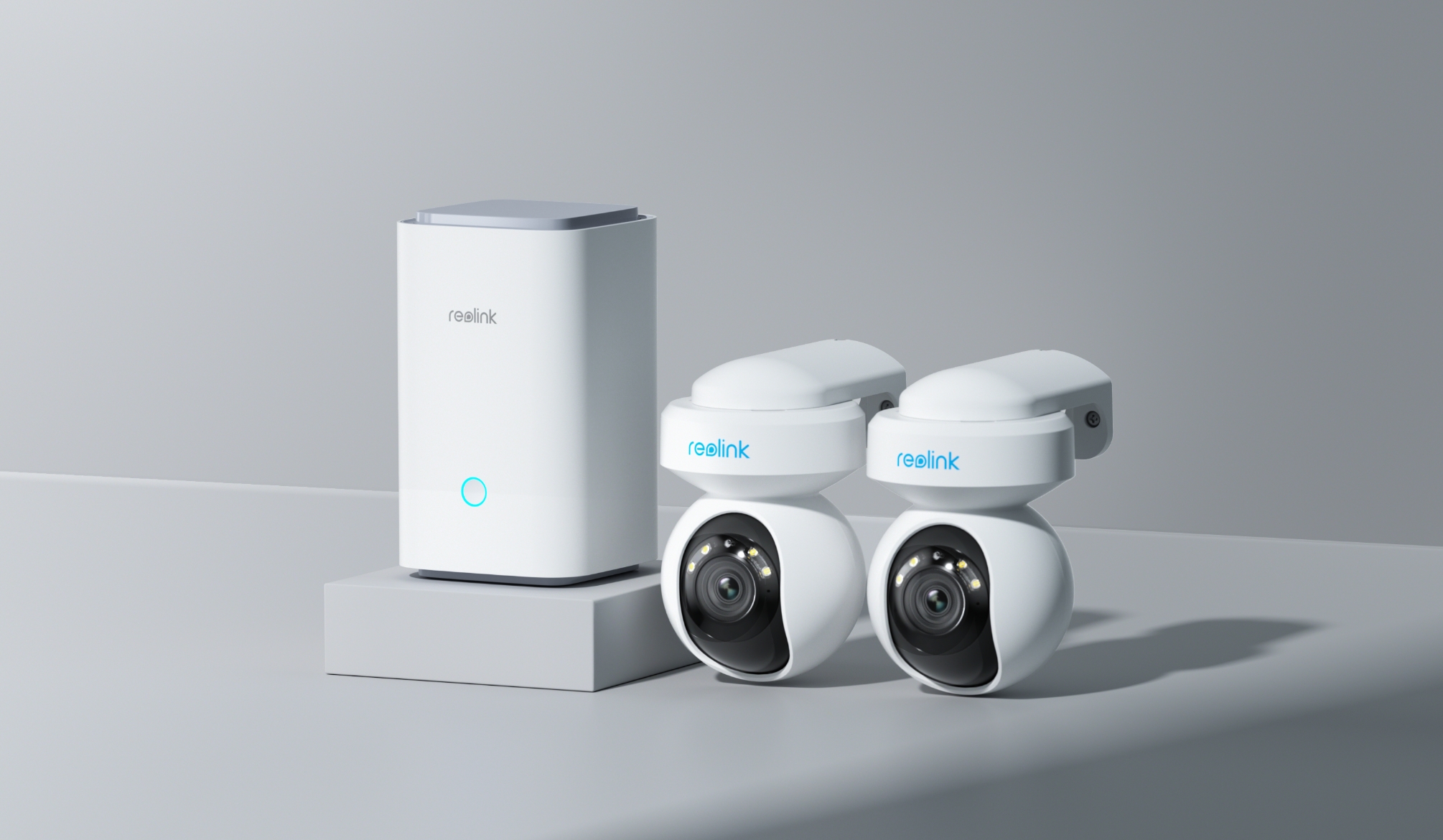
Reolink’s Home Hub range is designed to centralise compatible cameras and store recordings locally.
The standard Home Hub supports up to eight compatible cameras and encrypted local storage.
Larger hub configurations can provide additional storage and device management capabilities.
This approach can be useful for households that want centralised camera management without depending entirely on cloud storage.
Local Storage Can Reduce Ongoing Costs
Some security platforms depend heavily on subscription services for recording or advanced functionality.
Before purchasing any camera, investigate whether ongoing fees are required for the features you want.
Reolink’s Home Hub systems emphasise local recording without mandatory monthly storage fees.
That can make long term running costs easier to understand.
Think About Storage Capacity
Video files can consume significant storage space, particularly when you’re recording:
- High resolution footage
- Several cameras
- Long events
- Continuous 24/7 video
The amount of storage you need depends on resolution, bitrate, recording frequency and how long you want footage retained.
If you’re building a larger system, expandable storage can therefore be valuable.
Smartphone Access Makes Monitoring Easier
A connected security system should make footage easy to review.
Smartphone apps can allow you to:
- View live video
- Review recorded events
- Receive notifications
- Adjust settings
- Manage several cameras
If remote monitoring is important to you, investigate the manufacturer’s app and device compatibility before choosing your system.
Consider Two Way Audio
Many modern security cameras include microphones and speakers.
Two way audio can allow you to communicate through the camera.
This can be useful around entrances or other areas where you may need to speak with someone remotely.
Video doorbells make particularly practical use of this feature.
Add a Video Doorbell
The front door is one of the most useful places for a camera.
A video doorbell can provide a view of visitors and deliveries while sending alerts to your phone.
Depending on the model, features may include:
- Two way audio
- Smart detection
- Night vision
- Local recording
- Battery or wired power
A doorbell can work independently or become part of a larger home security system.
Build a System Gradually
You don’t necessarily need cameras everywhere on day one.
Start with the most important locations.
For example:
Camera 1: Front entrance
Camera 2: Driveway
Camera 3: Rear garden
Camera 4: Side entrance
Once you’ve used the system for a while, you can identify any remaining blind spots.
Choosing an expandable ecosystem can make adding cameras later much easier.
Reolink’s Home Security Options
Reolink offers several approaches to home surveillance.
Its current German range includes:
Battery Cameras
Flexible cameras for locations where running permanent cables isn’t convenient.
Wi-Fi Cameras
Wireless network cameras suitable for indoor and outdoor monitoring.
PoE Cameras
Wired IP cameras that can receive power and data through compatible Ethernet infrastructure.
Dual Lens Cameras
Models designed to provide wider or multiple viewing perspectives.
Video Doorbells
Door focused monitoring with connected features.
NVR Systems
Centralised recording and management for multi camera installations.
Home Hub Systems
Central management with encrypted local storage for compatible Reolink cameras.
This range makes it possible to create anything from a simple single camera setup to a larger multi camera security system.
A Simple Security Camera Buying Checklist
Before choosing your cameras, ask:
- Which areas do I need to monitor?
- Will the cameras be indoors or outdoors?
- Do I want battery, Wi-Fi or PoE?
- How strong is my Wi-Fi around the property?
- What resolution do I need?
- How important is night vision?
- Do I want person or vehicle detection?
- Where will recordings be stored?
- Do I want continuous or event based recording?
- Will I eventually add more cameras?
- Do I need a video doorbell?
- Are there any ongoing subscription costs?
- Does the system meet local privacy requirements?
Answering these questions before buying can prevent you from choosing equipment that doesn’t suit your home.
Final Thoughts
The best home security camera system isn’t necessarily the one with the longest list of specifications.
It’s the one that matches your property.
Battery cameras offer flexibility, Wi-Fi cameras simplify connectivity and PoE systems can provide stable wired installations. Meanwhile, NVRs and security hubs make managing multiple cameras and local recordings easier.
Reolink’s current ecosystem includes options across each of these categories, allowing homeowners to build a system gradually rather than relying on a single configuration.
Start by identifying the areas you genuinely need to monitor.
Then choose the connection type, video features and storage method that make sense for those locations.
A well planned security system is much more useful than simply installing as many cameras as possible.

Theo Louse
I am Theo Louse. My skills are dedicated to the field of technology information and try to make daily lives more enjoyable. With more than 12 years of experience with BM, we are particularly famous for 100% self-developed ideas. Over these years, we have worked to make everyday life more convenient for the fast-paced world we live in.